When launching a new business, every decision comes down to one specific question: is this worth my time and money? Well, choosing a logo maker is among those questions.
Generating a logo in 2026 is as easy as ever. The hard part is finding a platform that delivers quality, fair pricing, and download options you can actually export without hidden costs at the end.
When looking for logo makers, smart business owners do not usually want just a logo, but a platform that will help them make the first impression unforgettable. Meaning, they prefer a whole package of full branding tools.
Therefore, we tested six logo makers with the same brand names and prompts, reviewed what each one costs, and paid close attention to what you can get without any commitments. Here’s what a business owner needs to know before committing.
Tips for Business Owners
Before exploring the logo generators, it’s worth being clear about what matters when you’re running a business rather than chasing a hobby.
- Speed matters in any aspect of your business, including during the logo generation process.
- Quality matters, as weak and low-quality visuals destroy everything else you build.
- Commercial safety plays a very crucial role here, because the last thing you want is a legal headache over a design someone else can reproduce.
- And pricing matters, because you should know exactly what you’re going to get before you pay.
We judged all 6 logo makers on those terms.
Top 6 Logo Makers: Quick Comparison
|
Rank |
Tool |
Top Features |
Pricing |
Trustpilot reviews |
|
1 |
Design.com |
Instant AI generation, exclusive designs, free download |
Free tier + from $3/mo |
4.7 ⭐ |
|
2 |
BrandCrowd.com |
Fast AI editing, free logo download, full brand kit |
Free tier + from $3/mo |
4.8 ⭐ |
|
3 |
Brandmark.io |
Clean, guided AI generation |
From $35 one-time |
2.6 ⭐ |
|
4 |
LogoMakr.com |
AI prompt mode plus canvas editor |
From $29 one-time |
4.0 ⭐ |
|
5 |
DesignEvo |
Template-based, no AI editing |
Paid plans for high-res |
4.8 ⭐ |
|
6 |
Logopony.com |
One-step AI generation |
Paid plans only |
3.1 ⭐ |
#1. Design.com
Per our test, Design.com is the one that asks the least and delivers the most, while respecting your time.
Here’s what we tested and what we got:
|
What We Tested |
What We Got |
|
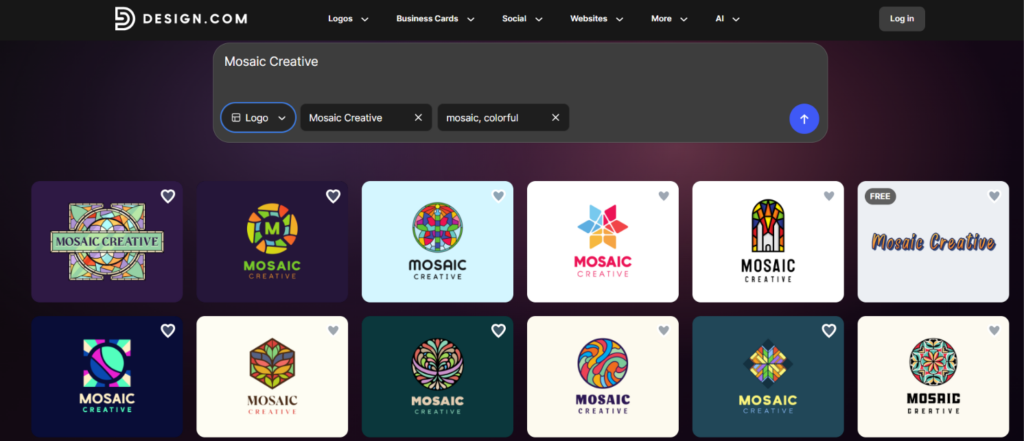
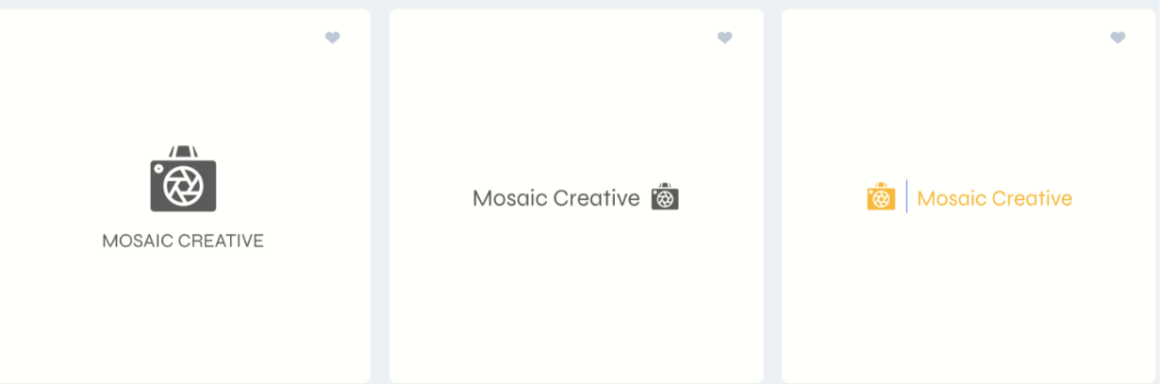
Entered the brand name “Mosaic Creative” and typed what we wanted (see image 1) |
Thousands of logo concepts instantly; no questionnaire, color picker, or industry dropdown first |
|
Reviewed the generated concepts |
Professional-looking designs with full commercial rights, exclusive to Design.com only |
|
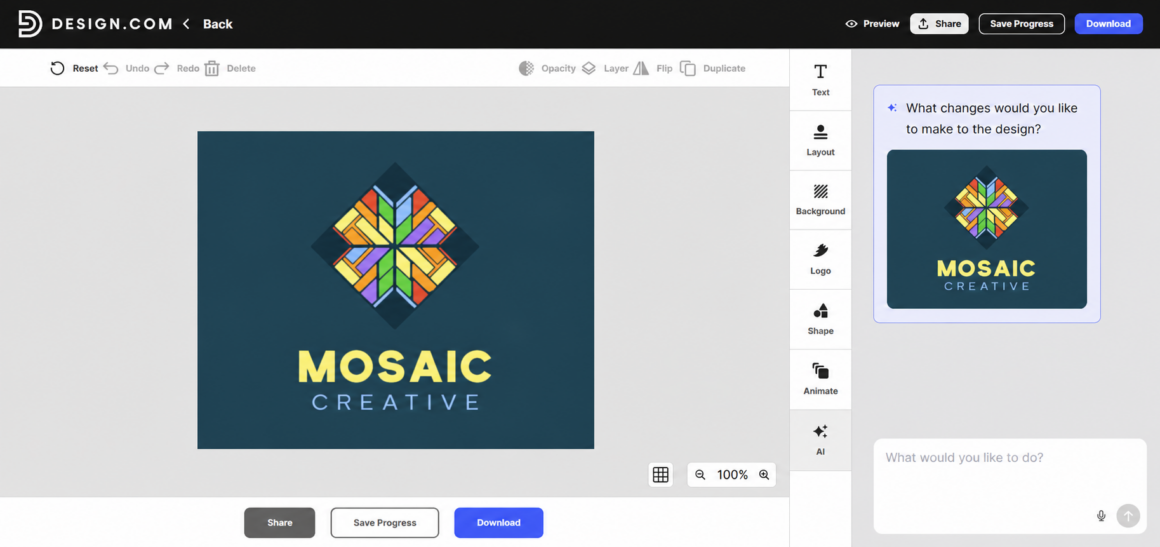
Edited a logo through the chat-based AI editor (see image 2) |
Changes made in seconds based on simple prompts, with the option to edit manually and save progress |
Image 1
|
What We Tested |
What We Got |
|
Went to download a logo (see image 3) |
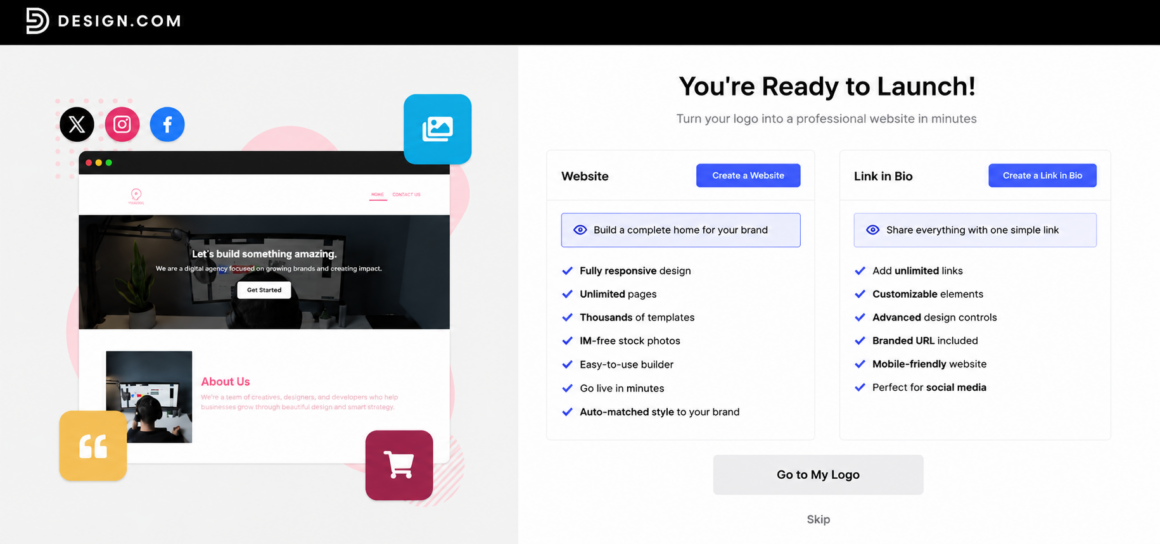
A free download, plus a free website builder, link-in-bio creator, and digital business card maker, all publishable at no cost |
|
Checked the paid pricing |
Plans from $3/mo unlocking 50+ design tools, high-res and vector files, and unlimited edits you can cancel anytime |
Image 2
Based on our testing, the logo concepts did not feel generic at all; instead, they felt so professional that we thought an expert worked on producing the designs. The quality, the speed, the full commercial rights, the comprehensiveness of the platform; these are phenomena that should matter most to an owner. This way, you ensure you won’t get anything the competitors already have or the opposite.
Customizing the logos was just as fast and intuitive as generating them.
- A chat-based AI editor let us describe changes in plain language
- The platform made them in seconds. No extra steps and effort here as well.
Then came the most generous part. Design.com offers a wide range of logos you can download for free. Downloading a free logo also unlocked a free website builder, a free link-in-bio creator, and a free digital business card maker, all publishable at no cost. The file formats are multiple: JPG, SVG, MP4, etc.
Then, when we looked at paid pricing, it seemed reasonable for both new business owners and already reputable ones. The tier begins at $3/mo and opens access to the wider set of 50+ design tools (presentations, websites, digital business cards, etc.), high-res and vector files, and unlimited edits with the opportunity to cancel anytime.
Our Verdict
Over 4,300 Trustpilot reviewers highlight the same ease of use we found. It comes with 24/7 customer support and a full branding kit, ideal for business owners who prefer a complete visual identity rather than just a logo. For a smart owner, this is the safe first choice.
#2. BrandCrowd.com
BrandCrowd.com stands as the second choice for us. With over 9,000 reviews on Trustpilot and a 4.8/5-star rating, we also realized how it earned the trust of users.
|
What We Tested |
What We Got |
|
Entered our business name (Mosaic Creative, see image 1) |
Logo concepts in seconds, built from the template library, fonts, and editing tools |
|
Edited a logo through the chat-based AI |
Changes from simple, everyday prompts, no clarification questions or design vocabulary needed |
|
Picked a free template and made unlimited edits |
No payment at the end, with full copyright protection on the logos |
|
Downloaded a free logo |
Access to the same free website builder, link-in-bio creator, and digital business card maker |
|
Checked the paid pricing |
Wider design assets in downloadable form from just $3/mo |
Image 1
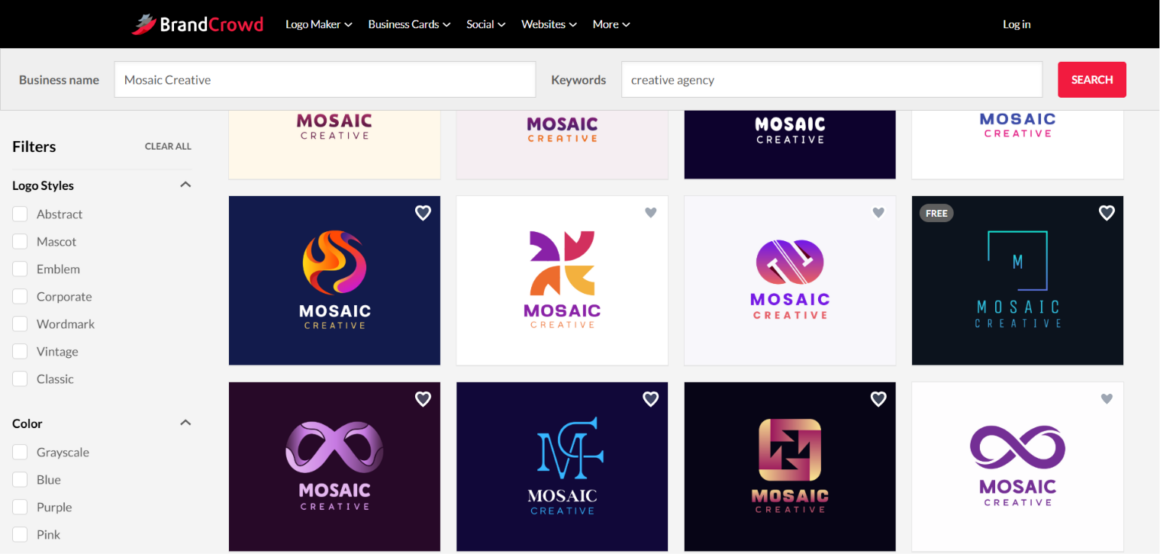
BrandCrowd works in two ways: you can either browse over 380,000 handcrafted logo templates, or enter a brand name for a more personalized result.
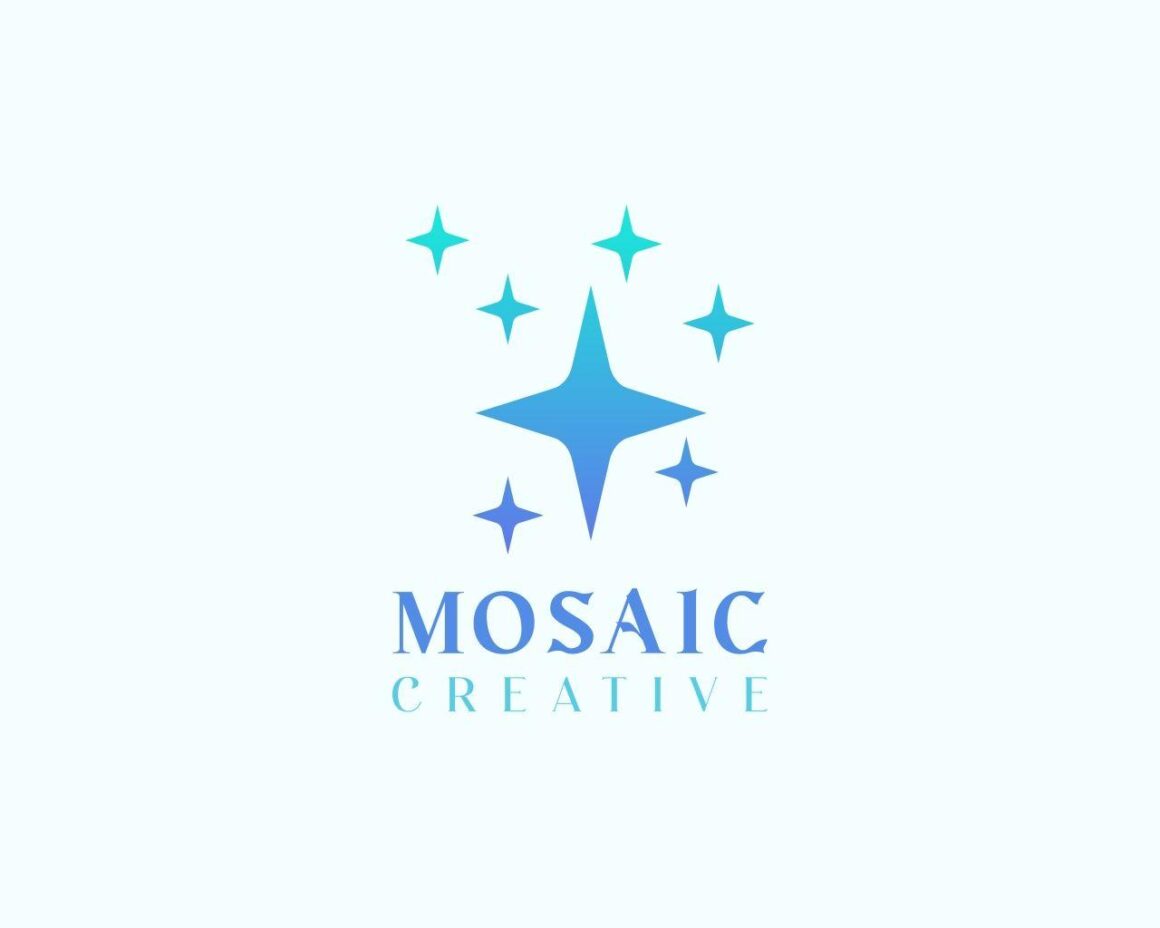
The platform works well for non-designers, especially (this is something business owners would look for), because you don’t have to know any design vocabulary to instruct and customize. And after customization, when it came to downloading, BrandCrowd’s vast selection of free logo templates was a real advantage for users like us who just wanted to test the platform without a long-term subscription. We downloaded our logo with no commitment, choosing JPG with a split background option (see image 2) from the multiple file formats on offer.
Image 2
After the export, we gained access to over 50+ additional design tools for flyers, posters, business cards, and more. Downloading those design assets does require a subscription, though, which starts at only $3/mo.
Our Verdict
Overall, our experience was smooth and not confusing at all. This platform is a big plus for owners looking for an all-in-one option: regardless of the industry, it covers everything from flyers, menus, and posters to QR codes and websites
#3. Brandmark.io
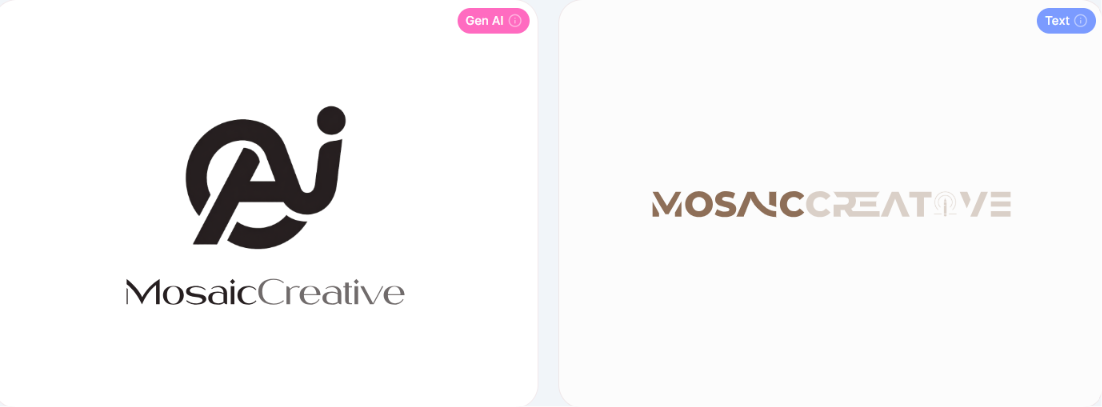
In comparison with Design.com, Brandmark.io takes a different approach for generating logos. Users must answer 3 guided questions to see the logo templates.
|
What We Tested |
What We Got |
|
Generated logos through the guided process |
A short wait, then clear logo templates appeared |
|
Previewed a logo on branding materials |
An easy look at the printed result on shirts, social posts, and bags |
|
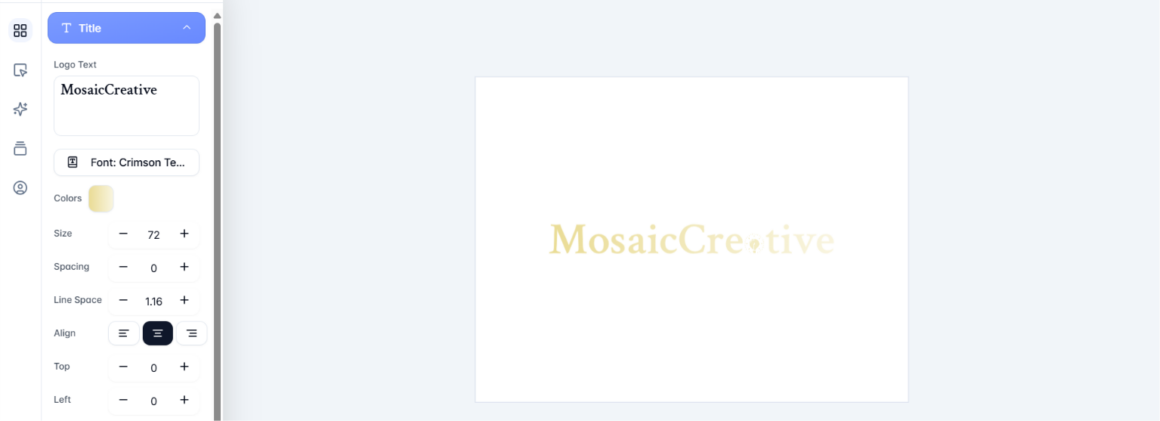
Edited the logo (see image 1) |
Mostly manual adjustments rather than AI-driven, with unlimited edits free |
|
Went to download a file |
A required one-time payment of $35 for PNG format only |
Image 1
Our Verdict
While logo generation isn’t instant and the editing is manual, Brandmark can be a solid option for business owners who are not in a rush and prefer to do manual, step-by-step work.
Just know the review base is small, based on 15 ratings, so the confidence here comes from our own testing.
#4. LogoMakr.com
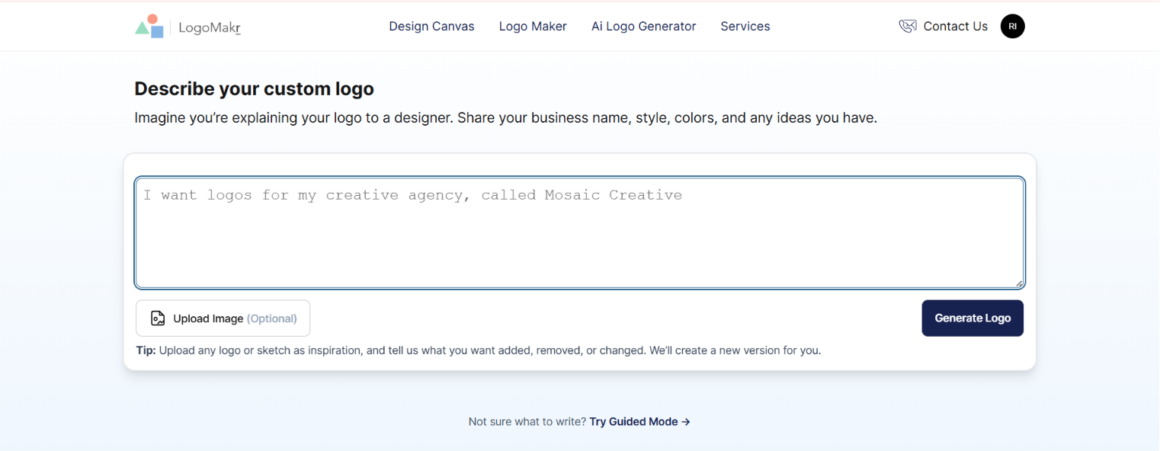
While testing LogoMakr, we were given the following starting points: a blank canvas or AI-powered generation. As we focus on speed and commodity, we chose the AI route.
|
What We Tested |
What We Got |
|
Chose between a blank canvas and AI-powered generation |
Picked the AI route for speed and convenience |
|
Ran through the AI generation steps |
Several steps: business name, theme and font, tagline or slogan, and a business description |
|
Waited for the final templates |
Over 4 minutes of effort for a single watermarked template |
|
Went to download |
A one-time payment from $29 with full ownership, and credit-based editing |
Our Verdict
Out of all the platforms we tested, this one seemed to cause the most inconvenience. Every step of the logo making process caused more pressure: choose this, choose that, then limited editing. For a moment, we forgot we were creating logo concepts, and thought the platform just wanted us to pay, even before we knew what we were going to get.
#5. DesignEvo
Compared to LogoMakr, DesignEvo worked much faster and smoother. However, inserting our fictitious company name did not generate any templates with the brand name on it, since the platform offers ready-made templates only, not AI-generated.
|
What We Tested |
What We Got |
|
Looked for AI customization tools |
None available; you can only search templates by industry and edit manually from there |
|
Considered commercial safety |
No keywords or personalization, so no guarantee another user didn’t build the exact same logo with the same colors, font, name, and slogan |
|
Went to download |
Only a low-res file was free; high-res required a paid plan |
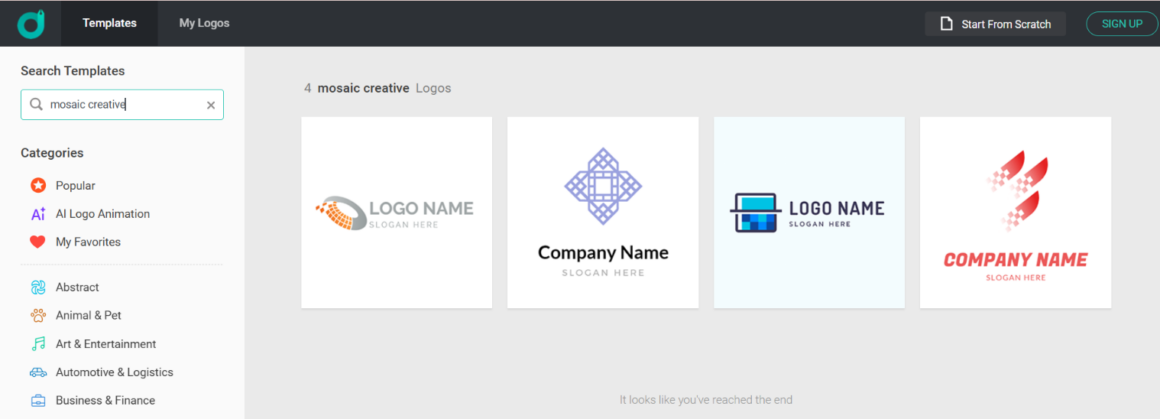
On DesignEvo, one can only search templates by industry, then edit manually from there. That raised our one real concern: commercial safety. Without any keywords or personalization, there’s no guarantee another user didn’t build the exact same logo, with the same colors, font, name, slogan, etc.
Considering there might be copyright issues, we thought the platform migght be free, which could be a nice option for business owners, just testing platforms. But downloading meant paying too. Only a low-res file was available on the free tier, with high-res available for paid plans.
Our Verdict
DesignEvo gives simple logo templates quickly, but there are several factors that matter more than just speed; ownership issues, not AI-powered at all, etc. The platform was easy to use, though, and it’s not surprising that on Trustpilot it holds 4.8/5 reviews, with users highlighting the ease of use of the logo maker.
#6. Logopony.com
Finally, the last logo maker that caught our attention was Logopony.
|
What We Tested |
What We Got |
|
Entered our brand name and tapped “generate” (see image 1) |
A block; you can’t move forward or see any templates until you’ve given a brief |
|
Provided the brief and generated (see image 2) |
A selection of templates based on the name and prompt, with no extra steps |
|
Edited the logo |
Easy, AI-powered editing, with the preview updating as we made changes |
|
Went to export the logo |
A required payment; no free tier offered |
Image 1
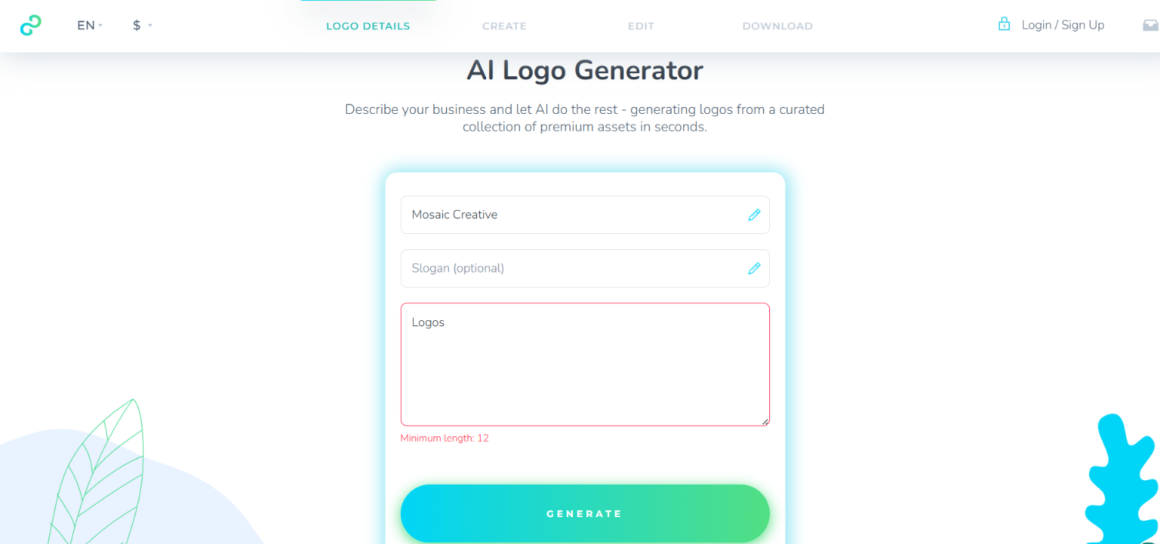
Image 2
Editing was easy and AI-powered, and the preview updated as we made changes.
When it came to exporting the logo, we had to pay; the platform did not offer any free tiers.
Our Verdict
We liked the logo quality and the AI editing, but the requirements upfront asked more than the other tools. Compared to other logo makers, it was a real drawback that might hold many users back.
Business Owners’ Choice
Across all 6 logo makers, the biggest gap is between tools that provide a usable logo in seconds and tools that expect a clearer brief, more manual work, or payment before you download.
For a smart business owner, the choice is simple. Just weigh each side of the question to understand the potential benefits: how much time, guidance, and budget you’re working with. On that measure, Design.com and BrandCrowd.com lead.
The best next step is the simplest one. Pick a logo maker, enter your brand name, and see what it gives you.